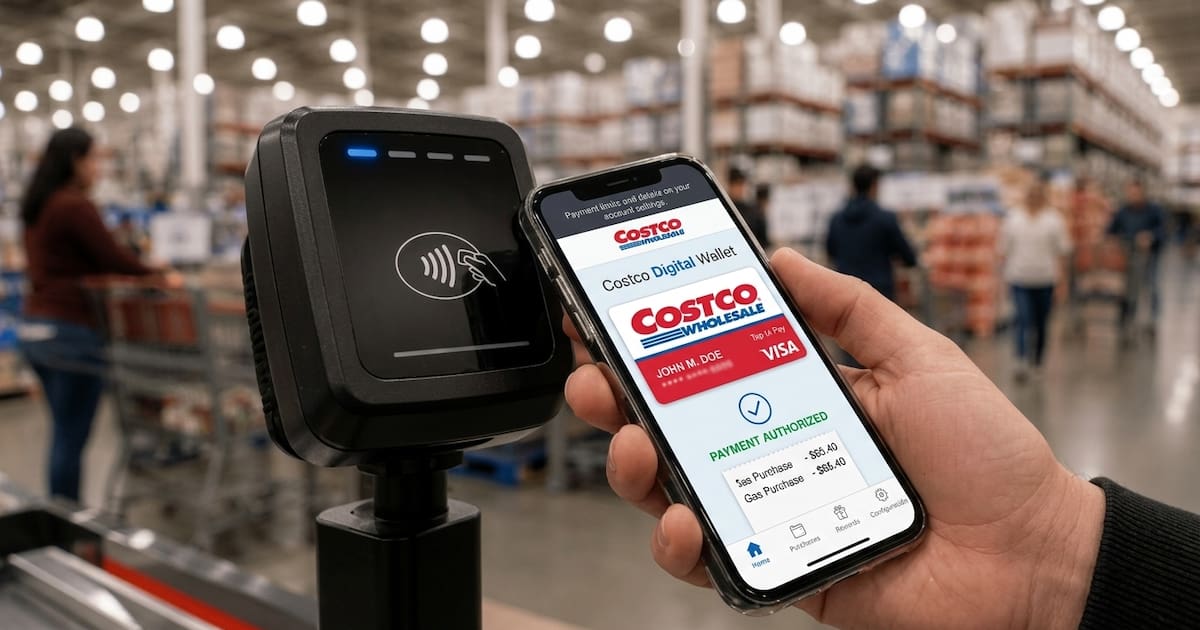
Costco has launched the Costco Wallet feature in the United States, which allows members to manage their Shop Card balances and pay for purchases via a digital account. The tool, available via the website and mobile app, allows members to consolidate funds from multiple cards in one place, save a payment method and use it when shopping online and in-store.
How to set up and configure Costco Wallet
To use Costco Wallet, you must have a verified Costco membership. Once you have logged in, go to the „Account” tab, then select the Costco Wallet section. There, choose the option to add a Shop Card, enter the card number and PIN. Once added, the physical card will show a balance of 0 USD, and the funds will become available in your digital wallet.
You can add more than one Shop Card to your wallet, up to the maximum balance. Costco also allows you to save one payment method in your wallet – the available options may vary depending on the card issuer’s security requirements.
A limit of 10,000 USD and a daily top-up limit
The total value of all Shop Cards stored in the Costco Wallet must not exceed US$10,000 at any time. This limit applies to both physical and digital cards combined. Costco has also set a daily top-up limit of US$10,000.
If a member attempts to top up an amount exceeding the daily limit, the system will display an error message.
How to pay using Costco Wallet
The Shop Card can be used both for online purchases and in Costco stores. When shopping online, you must enable the Shop Card option in your account when finalising your order. The system will apply the available Shop Card balance and your saved payment method to the transaction.
In-store, customers can use the Costco mobile app. Once the automatic redemption feature is enabled, simply scan your digital membership card at the till and confirm that you wish to use your wallet balance. According to the company, the feature also works at checkouts in the warehouse, in the food court, at the pharmacy and at petrol stations.
Funds do not expire and transaction history
Funds from the Shop Card held in the Costco Wallet do not expire. Members can view their transaction history via the website or the mobile app – Costco provides transaction details in six-monthly periods and retains the history for up to two years.
Costco advises that funds on a Shop Card stored in your wallet cannot generally be exchanged for cash, except where required by law.
Returns and refunds
The refund process depends on the payment method used at the time of purchase. If the purchase was made using funds from a Shop Card in the Costco Wallet, the refunded amount is credited directly back to the wallet.
For online purchases made using a registered credit or debit card, the refund will be credited to the card used for the transaction.